初めに
動画生成モデルで高速に生成できるものが出てきたので触ってみます
TurboDiffusion
— AK (@_akhaliq) 2025年12月17日
Accelerating Video Diffusion Models by 100–205 Times pic.twitter.com/66ZYtT20hy
主要技術:
- SageAttention: 8bit量子化アテンション
- SLA (Sparse-Linear Attention): Top-kスパースアテンション
- rCM (Rectified Consistency Models): タイムステップ蒸留
開発環境
- Windows 11
- cuda (13.0) : RTX 4070 ti super
- uv (0.9.x)
環境構築
まずはリポジトリをcloneします
git clone https://github.com/thu-ml/TurboDiffusion.git
cd TurboDiffusion
git submodule update --init --recursive
プロジェクトを初期化します
uv init --python 3.12
次にpyproject.tomlを以下のように設定します
[project]
name = "turbodiffusion"
description = "TurboDiffusion: video generation acceleration framework that could accelerate end-to-end video generation by 100-205x with negligible video quality loss."
version = "1.0.0"
authors = [
  { name = "Jintao Zhang" },
  { name = "Kaiwen Zheng" },
  { name = "Kai Jiang" },
  { name = "Haoxu Wang" },
]
readme = "README.md"
requires-python = ">=3.9"
license = { file = "LICENSE" }

classifiers = [
  "Programming Language :: Python :: 3",
  "License :: OSI Approved :: Apache Software License",
]

dependencies = [
  "torch==2.8.0",
  "torchvision",
  # triton and flash-attn are installed manually on Windows
  # "triton>=3.3.0",
  # "flash-attn",
  "einops",
  "numpy",
  "pillow",
  "loguru",
  "imageio[ffmpeg]",
  "pandas",
  "PyYAML",
  "omegaconf",
  "attrs",
  "fvcore",
  "ftfy",
  "regex",
  "transformers",
  "nvidia-ml-py",
  "triton-windows<3.5",
  "flash-attn",
]

[build-system]
requires = [
  "setuptools>=62",
  "wheel>=0.38",
  "packaging>=21",
  "torch>=2.7.0",
  "ninja",
]
build-backend = "setuptools.build_meta"

[project.urls]
Homepage = "https://github.com/thu-ml/TurboDiffusion"
Repository = "https://github.com/thu-ml/TurboDiffusion"

[[tool.uv.index]]
name = "pytorch-cu128"
url = "https://download.pytorch.org/whl/cu128"
explicit = true

[tool.uv.sources]
torch = { index = "pytorch-cu128" }
torchvision = { index = "pytorch-cu128" }
flash-attn = { path = "flash_attn-2.8.3+cu128torch2.8.0cxx11abiTRUE-cp312-cp312-win_amd64.whl" }
WindowsでFlash-attentionを使いたいので、Windows向けのwheelをダウンロードします
curl -L -o flash_attn-2.8.3+cu128torch2.8.0cxx11abiTRUE-cp312-cp312-win_amd64.whl "https://github.com/bdashore3/flash-attention/releases/download/v2.8.3/flash_attn-2.8.3+cu128torch2.8.0cxx11abiTRUE-cp312-cp312-win_amd64.whl"
依存パッケージをインストールします
次にTurboDiffusionのインストールします
uv add -e . --no-build-isolation
uv sync
チェックポイントのダウンロード
以下で今回使用するモデルをダウンロードします
# VAE
curl -L -o Wan2.1_VAE.pth "https://huggingface.co/Wan-AI/Wan2.1-T2V-1.3B/resolve/main/Wan2.1_VAE.pth"

# Text Encoder (約10GB)
curl -L -o models_t5_umt5-xxl-enc-bf16.pth "https://huggingface.co/Wan-AI/Wan2.1-T2V-1.3B/resolve/main/models_t5_umt5-xxl-enc-bf16.pth"

# DiTモデル (1.3B非量子化版、約2.7GB)
curl -L -o TurboWan2.1-T2V-1.3B-480P.pth "https://huggingface.co/TurboDiffusion/TurboWan2.1-T2V-1.3B-480P/resolve/main/TurboWan2.1-T2V-1.3B-480P.pth"
ダウンロードしたモデルは checkpoints に保存します
実行
実行するときは以下で実行可能です
uv turbodiffusion\inference\wan2.1_t2v_infer.py ^
    --model Wan2.1-1.3B ^
    --dit_path checkpoints/TurboWan2.1-T2V-1.3B-480P.pth ^
    --resolution 480p ^
    --prompt "A cat walking on the street" ^
    --num_steps 4 ^
    --attention_type sla ^
    --save_path output/test.mp4
デモ動画
- アニメ風 (demo_anime.mp4 / demo_anime.gif)
Anime style, a cute girl with pink hair and big eyes walking through a cherry blossom garden, sakura petals falling, soft lighting, Studio Ghibli style

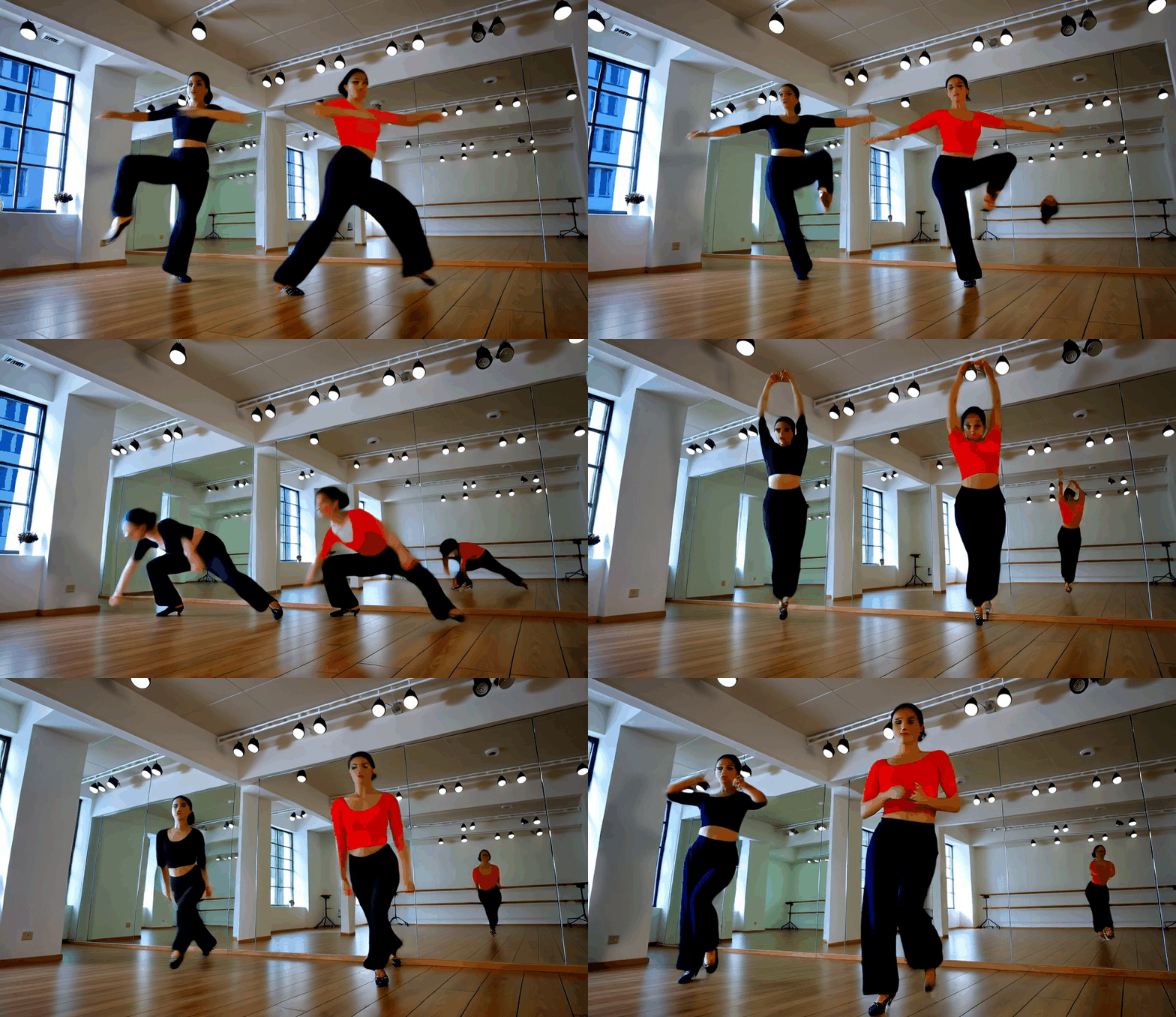
- ダンス (demo_dance.mp4 / demo_dance.gif)
A professional dancer performing hip hop dance moves in a dance studio with mirrors, dynamic movements, energetic, studio lighting
- 風景 (demo_landscape.mp4 / demo_landscape.gif)
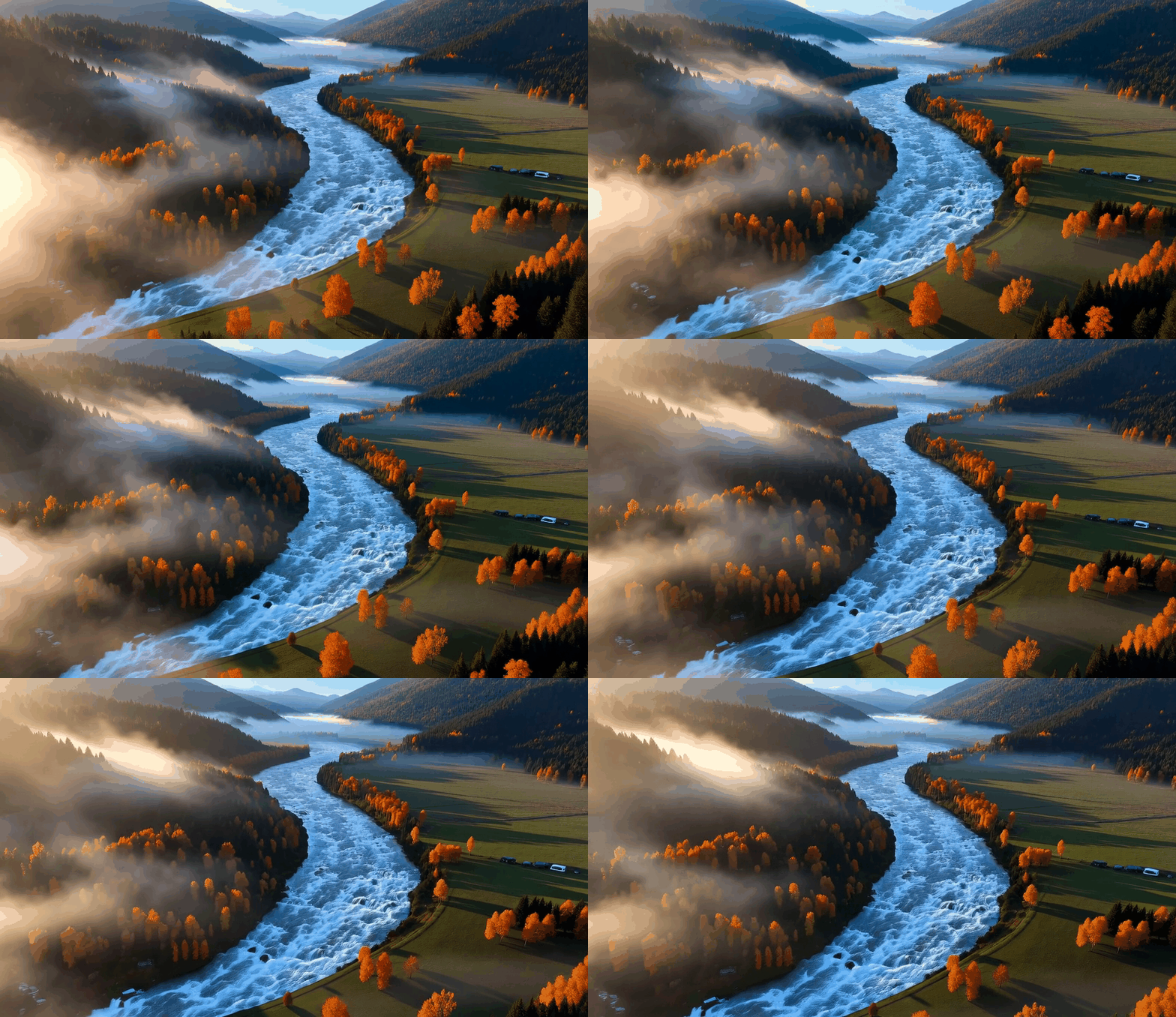
A beautiful mountain landscape with a flowing river, autumn trees with orange and red leaves, mist rising from the valley, cinematic drone shot, golden hour lighting