初めに
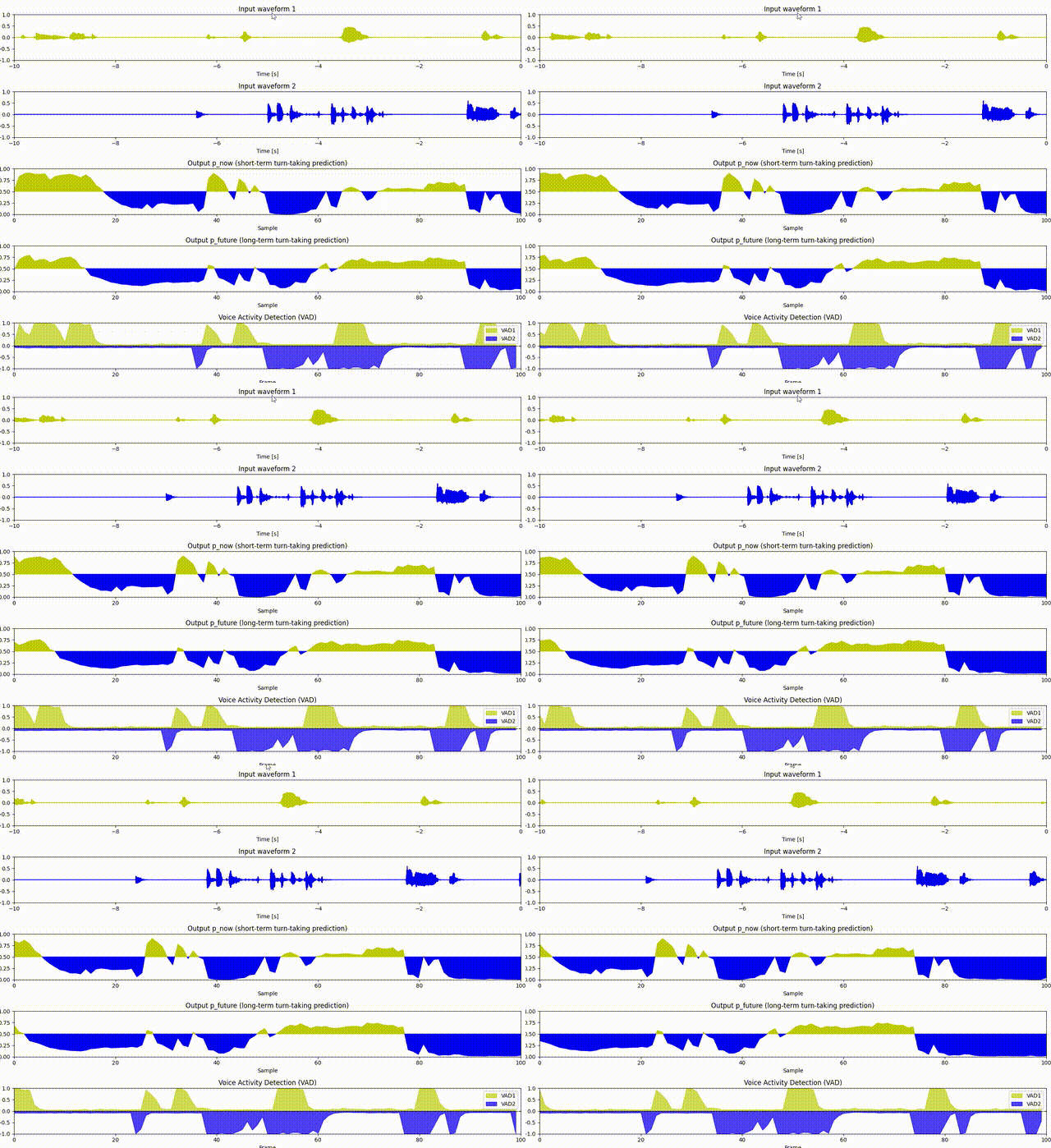
MaAIはリアルタイム・連続的な非言語行動生成ソフトウェアです。音声対話システムやロボット向けに、ターンテイキング予測・相槌予測・うなずき予測・VADされている.
開発環境
- Windows 10/11
- Python 3.10以上
- Git
- uv 0.9.x
環境構築
リポジトリのクローンします。
git clone https://github.com/MaAI-Kyoto/MaAI.git
cd MaAI
依存関係のインストールします。まずは先に pyproject.toml を以下のように作成をします
[build-system]
requires = ["hatchling", "hatch-vcs"]
build-backend = "hatchling.build"

[project]
name = "maai"
dynamic = ["version"]
description = "Real-time and Continuous Non-Linguistic Behavior (Maai) Generation Software"
authors = [
  { name = "MaAI team", email = "inoue@sap.ist.i.kyoto-u.ac.jp" }
]
license = { file = "LICENSE" }

requires-python = ">=3.10"
dependencies = [
    "torch>=2.2.0",
    "numpy",
    "einops>=0.7.0",
    "soundfile",
    "pygame",
    "pydub",
    "pyaudio",
    "matplotlib",
    "seaborn",
    "fastapi>=0.111.0",
    "huggingface-hub",
]

[tool.hatch.version]
source = "vcs"

[tool.hatch.build]
sources = ["src"]

[tool.hatch.build.targets.sdist]
include = ["src/**"]

[tool.hatch.build.targets.wheel]
packages = ["src/maai"]

[tool.uv.workspace]
members = [
    ".",
]

[tool.uv.sources]
maai = { workspace = true, editable = true }

[dependency-groups]
dev = [
    "maai",
]

[project.urls]
Homepage = "https://github.com/MaAI-Kyoto/MaAI"
次に以下を実行して依存ライブラリのインストールします。
uv sync
uv sync により、pyproject.toml に記載された依存関係がすべてインストールされ、uv.lock が生成されます。仮想環境(.venv)も自動で作成されます。
実行
以下のコマンドでサンプルを実行し、動作を確認できます。
uv run python example/vap/vap_2wav.py
またGUI版を起動する場合は以下になります。
uv run python example/output/vap_2wav_GuiPlot.py
実行すると以下のようになります