初めに
以下のような動画の軽量なセグメンテーションのモデルが出ていたので触ってみます
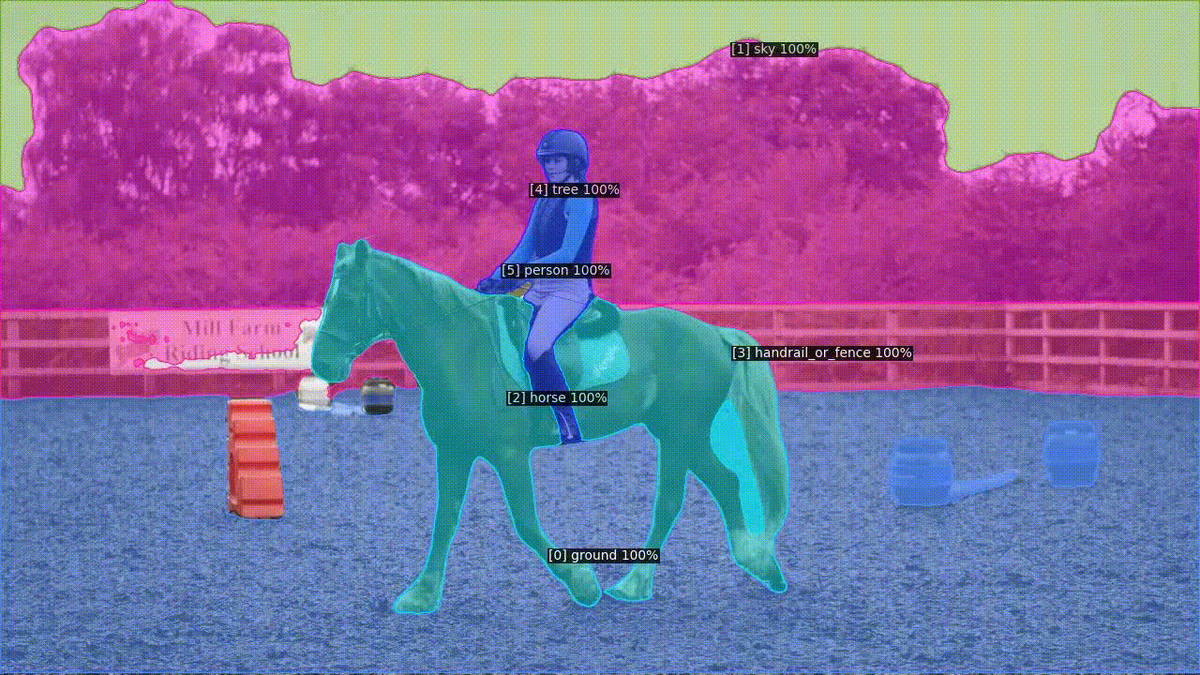
オリジナルのリポジトリは以下です
開発環境
- Windows 11
- cuda 13.0
- uv 0.9.0
環境構築
forkしてuv + Windowsに対応したものは以下になります。この記事は以下のリポジトリで動かすことを前提にしています
WindowsではDetectron2のC++拡張がビルドできないため、以下の手順が必要です。
1. Detectron2をクローンしてC++拡張を無効化
git clone --depth 1 https://github.com/facebookresearch/detectron2.git /path/to/detectron2
クローンした setup.py の217〜218行目を以下のように変更します:
# 変更前
ext_modules=get_extensions(),
cmdclass={"build_ext": torch.utils.cpp_extension.BuildExtension},

# 変更後
ext_modules=[],
# cmdclass={"build_ext": torch.utils.cpp_extension.BuildExtension},
2. pyproject.toml の detectron2 ソースをローカルパスに変更
[tool.uv.sources]
detectron2 = { path = "/path/to/detectron2" }
3. 依存パッケージをインストール
uv sync
注意: C++拡張なしでも基本機能(config, data, engine, modeling等)は動作しますが、一部のカスタムOPs(deformable conv等)は利用できません。
CUDA バージョンについて
pyproject.toml の PyTorch インデックスURLをシステムのCUDAバージョンに合わせて変更してください:
# CUDA 12.6 の場合
[[tool.uv.index]]
name = "pytorch-cu126"
url = "https://download.pytorch.org/whl/cu126"

# CUDA 13.0 の場合
[[tool.uv.index]]
name = "pytorch-cu130"
url = "https://download.pytorch.org/whl/cu130"
[tool.uv.sources] の torch と torchvision のインデックス名も合わせて更新してください。
実行
実行コマンドは以下です
uv run python video_demo.py \
  --config-file ../configs/ytvis19/videomt/vit-small/videomt_online_ViTS.yaml \
  --input /path/to/frames \
  --output /path/to/output \
  --opts MODEL.WEIGHTS /path/to/weight.pth
